

The integration has finished. Everything is green. No errors, no failed runs, no reason to worry.
Then someone opens the CRM and finds the same customer three times.
Technically, the integration did what it was told. Unfortunately, what it was told and what the business needed weren't quite the same thing.
A successful run tells you the steps completed. It doesn't tell you whether you've ended up with the right records.
A timeout doesn't necessarily mean nothing happened
Here's a simple example. Another system sends a customer to your CRM. The CRM creates the record, but the reply doesn't make it back before the sending system gives up waiting.
From the CRM's point of view, the job is done. From the sender's point of view, the outcome is unknown.
So it tries again.
If each attempt means “create a customer”, you now have two. Add another retry and there's your third.
Microsoft's retry guidance describes this exact class of problem: an operation can succeed even when its response fails to arrive. Retrying it can repeat the effect.
Retries are useful. Switching them off altogether can leave legitimate work unfinished. The better question is: can this operation be repeated safely?

Decide what makes this the same customer
Before choosing a connector or writing a flow, I'd want to know how the systems will recognise the customer next time.
A name is useful for people. It's a fairly shaky integration identifier. Names change, spelling varies, and two customers can have the same one. Email addresses can change or be shared too.
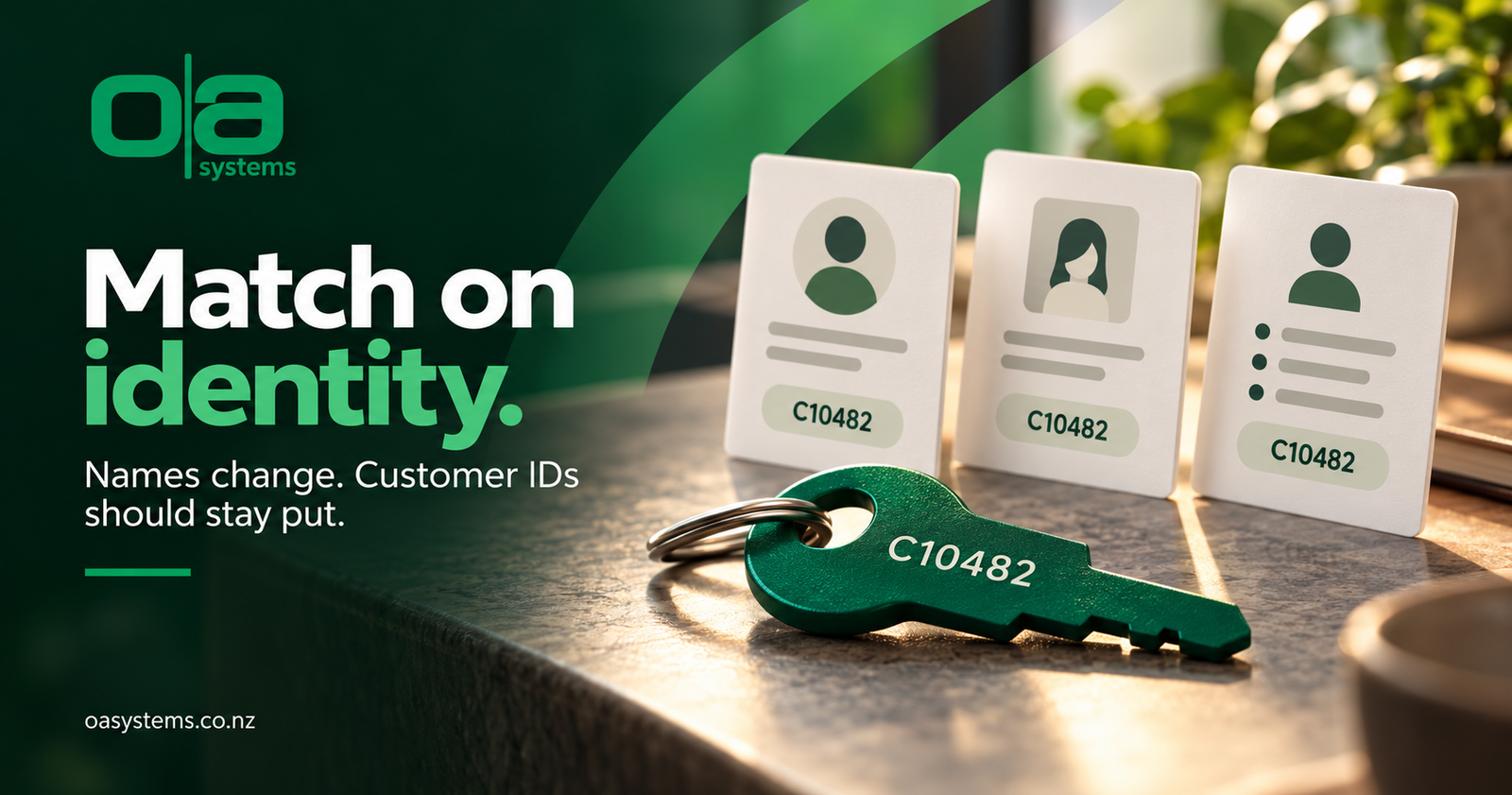
For example, a source system might identify a customer as C10482. Keep that identifier when the record moves into Dataverse, and use it consistently on later requests.
If several systems supply customers, consider whether the identifier needs the source as well. C10482 from the accounting system may have nothing to do with C10482 from an online shop.
There's another decision hiding here: which system owns each field? Two integrations can correctly find the same record and still spend the afternoon overwriting each other's phone number.
In Dataverse, look at alternate keys and upsert
Dataverse alternate keys let you identify a row using a unique business value, or combination of values, rather than only its internal GUID. A source-system customer ID is a possible candidate.
An upsert uses the supplied identity to update a matching record or create one when it doesn't exist. That can avoid writing your own separate “look it up, then create or update” sequence.
Two details matter: the alternate key must be Active, and its identifying values must actually be supplied. Dataverse doesn't enforce uniqueness for alternate-key columns containing null values.
I'd also separate customer identity from request identity. The customer ID answers “which customer?” A stable event or request ID answers “have we already handled this particular piece of work?”
Keeping one customer record doesn't, by itself, prevent a repeated request from sending another welcome email or creating another follow-up task. Those effects need their own protection.
“Check first, then create” has an awkward gap
A lookup before creation sounds sensible. It also leaves a gap when two requests run together.
Both look for the customer. Both find nothing. Both decide to create one.
Without an enforced uniqueness rule, both can succeed.
That's why I'd want the receiving platform to enforce the identity, with the integration handling a conflict properly. A lookup in a flow is useful, but it isn't a lock.
And if the lookup fails because the service is unavailable, that isn't evidence that the customer doesn't exist. Treating “couldn't check” as “not found” is an excellent way to manufacture duplicates.
Duplicate detection helps, but check the integration path
You may already have duplicate detection rules in Dynamics 365. That's useful, but I'd still check how the integration invokes them.
Microsoft documents specific Web API behaviour and request settings for duplicate detection during creates and updates. A warning someone sees on a form doesn't prove that an automated request will be blocked.
I think of these as different jobs: duplicate detection helps identify records that look alike; a stable key gives the integration a defined identity to work with.
Neither makes an unreliable source identifier suddenly reliable.
Test the bits that don't go to plan
Sending one new customer successfully is a useful first test. I'd want a few more before calling the integration ready.
| Test | What I'd check |
|---|---|
| Send the same request twice | One intended result, without repeated emails or tasks |
| Lose the reply after saving | Recovery finds the result without creating another customer |
| Send two requests together | Uniqueness holds and the conflict is handled |
| Leave the customer ID blank | The request is rejected or held for review |
| Make the lookup unavailable | Failure isn't mistaken for “customer not found” |
| Replay an older update | It doesn't silently overwrite newer information |
I'd also want enough logging to trace one business request across its attempts: source system, customer identifier, request ID, outcome and destination record ID. Keep sensitive customer details out of logs unless they're genuinely needed and appropriately protected.

Ask what the retry will do
If you've already got duplicates, I'd investigate the creation path before starting a large clean-up. Otherwise, you can spend Friday merging records and Monday wondering why they've come back.
Then review the existing records carefully. Different copies may have different activities, cases or other related information. Deleting whichever one looks newest isn't much of a recovery plan.
There are several ways to build a reliable integration. The combination will depend on the systems, the volume and what each request is allowed to do.
The question I'd keep coming back to is simple:
If this runs again, what happens?
“Another customer appears” is worth finding out in testing.
Frequently asked questions
Why does my integration create duplicate customers even when every run succeeds?
Each attempt may be completing a valid create operation. A retry, repeated event or overlapping run can therefore create another record unless the receiving system recognises the identity and protects against repeated work. Start by tracing one duplicated customer across its requests.
Should I switch off retries to stop duplicates?
Usually, I'd fix how repeated requests are handled first. Retries help recover from temporary failures, but need sensible limits and delays. A missing response can leave the outcome unknown, so the recovery process needs to establish what happened rather than blindly create again.
What's the difference between an alternate key and an upsert?
An alternate key defines a unique way to identify a Dataverse row using business values. Upsert is the operation that updates a matching row or creates one if needed. Choosing a reliable key and using it consistently are both important.
Will Dynamics 365 duplicate detection stop duplicates from an integration?
Don't assume it will. The rules and the integration's request behaviour both matter. Check the actual create and update path, including applicable duplicate detection settings. Test it with a known duplicate instead of relying on the warning shown