

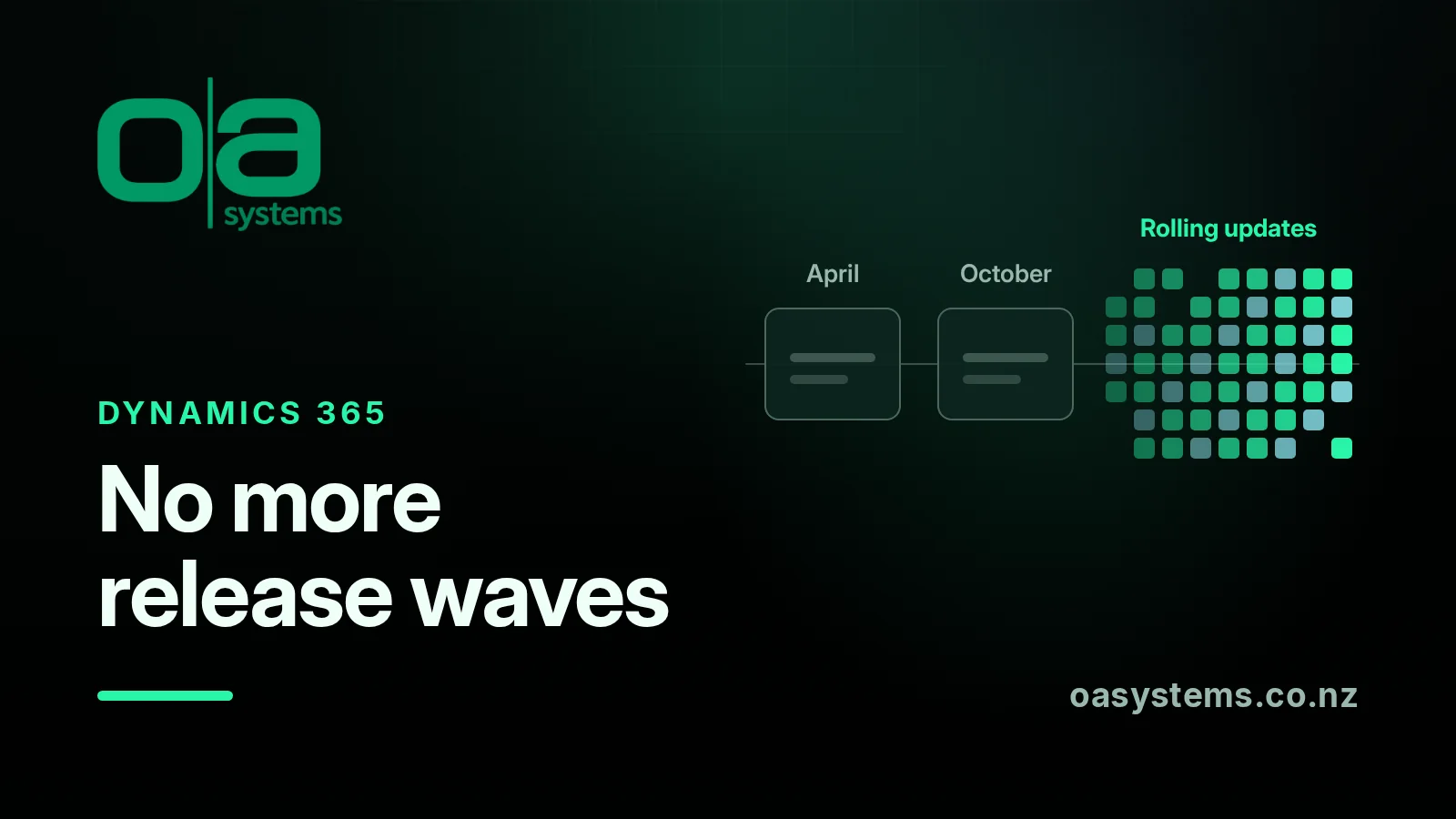
For years, Dynamics 365 customers had two fixed points in the calendar: release wave 1 and release wave 2. Microsoft published its plans, partners ran briefings, and organisations planned their testing around them. That model has now gone.
What Microsoft changed
On 25 August 2026, Microsoft announced that Dynamics 365, Power Platform and Dataverse roadmap content is joining the AI at Work roadmap, alongside Microsoft 365 and Copilot. The twice-yearly release wave model has been retired, and roadmap items are now published continuously. New capabilities appear on the roadmap as soon as plans are committed, then move through In Development, Rolling Out and Launched.
Microsoft's FAQ doesn't muck around on the obvious question. Asked whether there will be a 2026 release wave 2 plan, the answer is "No."
The key dates:
- September 2026: new capabilities start appearing on the AI at Work roadmap, and new release plans stop being published on Microsoft Learn.
- September to November 2026: existing roadmap items with a public preview or GA date of 1 June 2026 or later move across. Earlier content stays in the old release plans for reference.
- By 15 November 2026: Release Planner retires. Personalised saved views in My Release Plans won't carry over.
What hasn't changed
If you look after a live system, this is the part that matters most. Microsoft is clear that the change is about how it communicates roadmap information, not how products are built, released or deployed.
The general availability deployment schedule still lists two major releases a year, in April and October. They're mandatory and you can't postpone them. The October 2026 release corresponds to database version 9.2.26093. Deployment happens region by region over a weekend, starting Friday evening in "dark hours", and it's expected to finish before Monday business hours. Australia's window is 23–26 October, and Asia Pacific's was 9–12 October. It's worth checking which region your environments actually sit in.
Message Center is still where your tenant's change notifications come from, and Microsoft Learn is still the home for documentation.
Some features also ship faster than that. For example, a recent Power Apps roadmap item that consolidates model-driven app AI settings is tagged with a weekly release channel version (2610.3). Waiting for the big release moment never gave you the full picture, and now there isn't one at all.
Why this matters
Release waves had a quiet benefit: they forced a planning conversation twice a year, whether you felt like it or not. Without them, it's easy for nobody to look ahead until something changes in production and users start asking questions.
With Microsoft adding AI features as quickly as it is, that matters more, not less. Several recent changes, such as Copilot features in model-driven apps and Work IQ being switched on by default, affect what users see and what data AI can reach. Those need someone to make a decision, not just to know about them.
A practical replacement routine
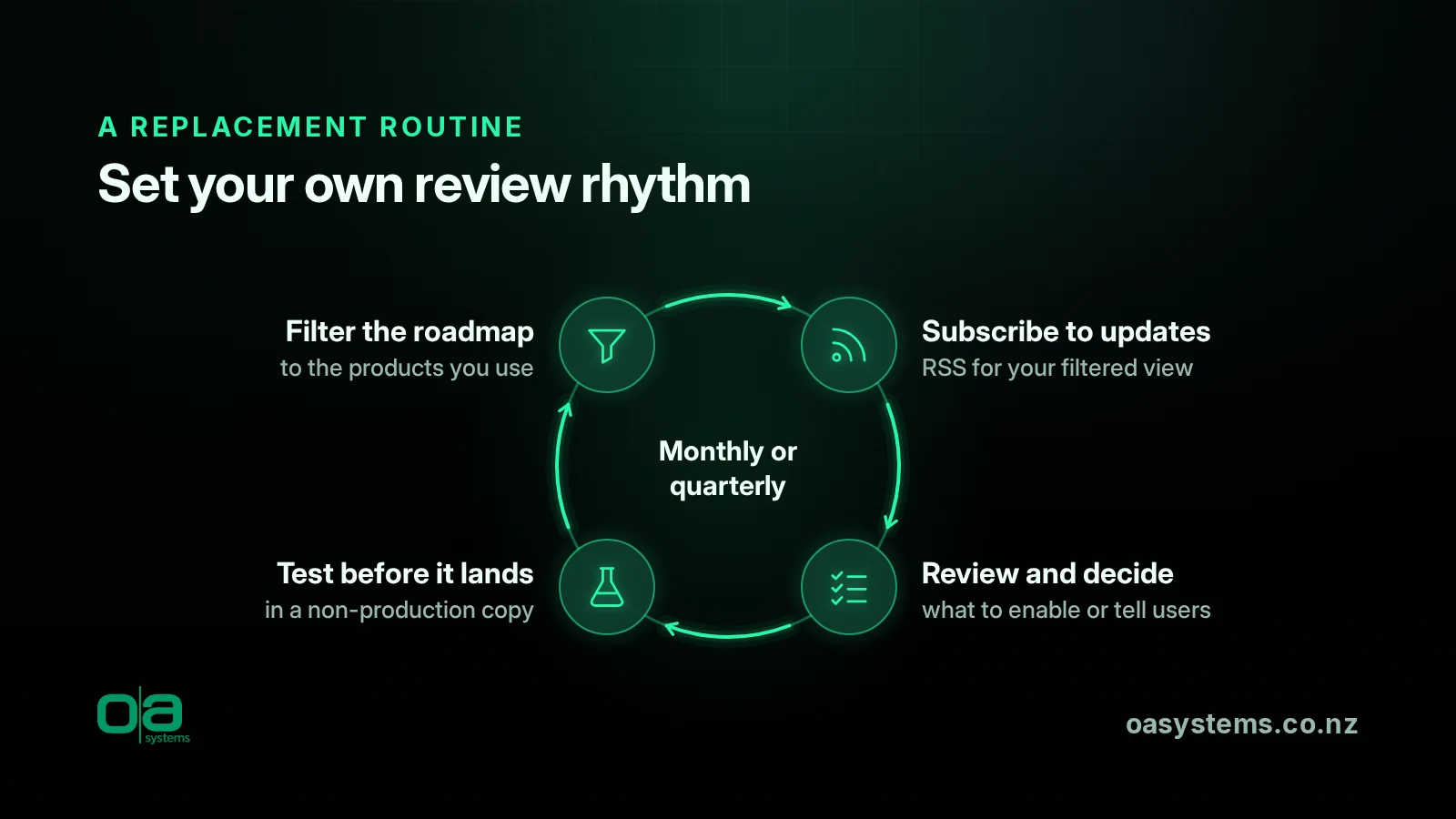
Microsoft's own advice is to set your own review rhythm, monthly or quarterly depending on how quickly you take up new capabilities, built on a saved filter and an RSS subscription. Here's how we'd put that into practice.
1. Set up a filtered roadmap view. Filter the AI at Work roadmap to the products and cloud you use, such as Dynamics 365 Sales, Customer Service, Power Apps, Power Pages and Dataverse. Export to CSV if you want a working list.
2. Subscribe to RSS for that view. That way new and updated items come to you, instead of you having to go looking.
3. Keep Message Center in the loop. The roadmap tells you what's coming in general. Message Center tells you what's happening in your tenant. Make sure someone actually reads it, and that the notices aren't just piling up in an inbox nobody checks.
4. Update your links. If internal documents or bookmarks point to release plans or Release Planner, update them before 15 November.
5. Hold a regular review. Once a month or once a quarter, go through what's moved to Rolling Out or Launched. Decide what to enable, what to switch off and what to tell users. Keep a short record of those decisions, because months later someone will ask why a setting is the way it is.
6. Test before it lands. Microsoft still offers early access updates, so you can test upcoming changes in a non-production environment. Pair that with sound Power Platform application lifecycle management so you know what you're actually testing.
7. Watch production after updates. The mandatory weekend updates still happen. Checking key processes, integrations and portals afterwards is good practice, and it's the kind of routine check that OAsys Sentinel is designed to automate.
If you'd rather have someone pick out the changes that affect your system, that's part of what good Dynamics 365 managed support should cover.
The bottom line
The roadmap is now more current and easier to search than the release plans ever were. What it doesn't do is prompt you to look. The organisations that cope best with this will be the ones that put their own regular review in the calendar and stick to it.
Talk to OA
If you'd like help setting up a review routine, or would rather we kept an eye on the changes that affect your system, talk to us about Dynamics 365 managed support and ongoing Dynamics 365 enhancements and optimisation.
Frequently asked questions
Will there be a 2026 release wave 2 plan for Dynamics 365?
No. Microsoft has said there won't be a release wave 2 announcement or release plan. New capabilities are published on the AI at Work roadmap as they're committed, then move through In Development, Rolling Out and Launched. New release plans stopped being published on Microsoft Learn from September 2026.
Are the April and October updates still happening?
Yes. Microsoft's deployment schedule still lists two major mandatory releases a year, in April and October, deployed region by region over weekends, and they can't be postponed. The October 2026 release is database version 9.2.26093. What's changed is how Microsoft communicates its roadmap, not how products are built, released or deployed.
What happens to Release Planner and our saved views?
Release Planner retires by 15 November 2026. Microsoft says personalised saved views in My Release Plans won't be available after that, and they aren't available on the AI at Work roadmap either. If internal documents or bookmarks point to release plans or Release Planner, update them before 15 November.
How should we keep track of changes now?
Microsoft recommends a regular monthly or quarterly review built on a saved roadmap filter and an RSS subscription, with Message Center for tenant-specific notifications. You can also export roadmap views to CSV or use the Release Communications MCP Server. Just make sure someone actually reads Message Center, and keep a short record of what you decide.